
How to Install CivilScript Labs Suite
Step 1: Download and Extract
Upon completing your secure checkout, your .zip file and unique License Key will be instantly displayed on the confirmation screen and sent directly to your email. Download the .zip file and extract its contents to a local folder on your computer to access the CivilScript Labs setup application.
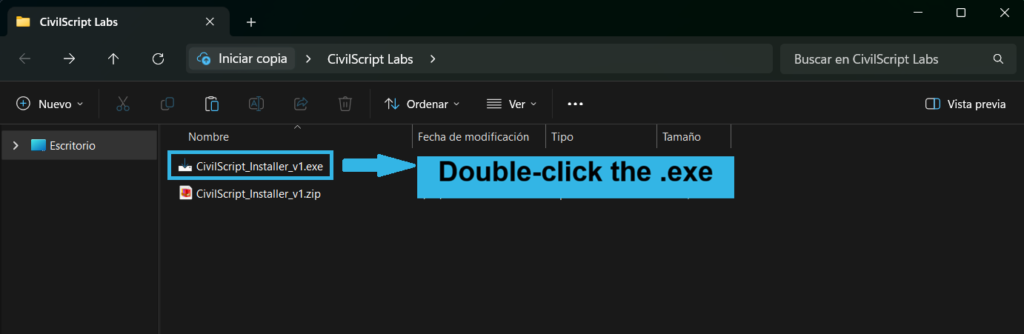
Step 2: Run the Installer and Activate
Double-click the .exe file to launch our automated setup wizard. The installer will seamlessly guide you through the process. When prompted, paste your secure License Key to authenticate your suite. Once validated, the wizard will instruct you to open PlanSwift to finalize the plugin integration.
Step 3: Run Your First Takeoff
You are now fully integrated. Start a new takeoff, input your structural parameters, and watch as the scripts instantly calculate your exact quantities. Depending on your selected tool, it will simultaneously compute excavation, forming, rebar, concrete volumes, shoring posts, and comprehensive CMU requirements (including regular blocks, bond beams, precast lintels, and grout).